



At a Glance:
Project Metrics
| Period: | since April 2026 - ongoing development |
| Budget: | approx. 20,000 EUR |
| Team: | 4 people |
| Industry: | Environmental Education, Citizen Science, Structural Change |
| Area of Application: | Biodiversity Monitoring, Nature Observation, Environmental Education |
Technologies







Background: Environmental Education and Biodiversity Promotion in the Structural Transformation of the Rhineland Mining Region

indeland GmbH is the development company of the seven municipalities surrounding the Inden open-cast mine in the Düren district. It is shaping the structural transformation in the run-up to the phase-out of lignite mining planned for 2030. Under its umbrella, the region developed a joint sustainability strategy in the inReNa 2030 project, funded by the Federal Ministry for the Environment, Climate Action, Nature Conservation and Nuclear Safety. One of the measures arising from it: seven mini-forests planted in the member municipalities to promote biodiversity and make environmental education tangible.
These forest areas of around 200 square metres are more than a habitat for flora and fauna. They also serve as living learning spaces for school classes and youth groups. On site, sponsorship groups of children and young people have become established who look after "their" mini-forests. The successor project inReNa 2030 II is now dedicated to the biodiversity monitoring of these mini-forests.
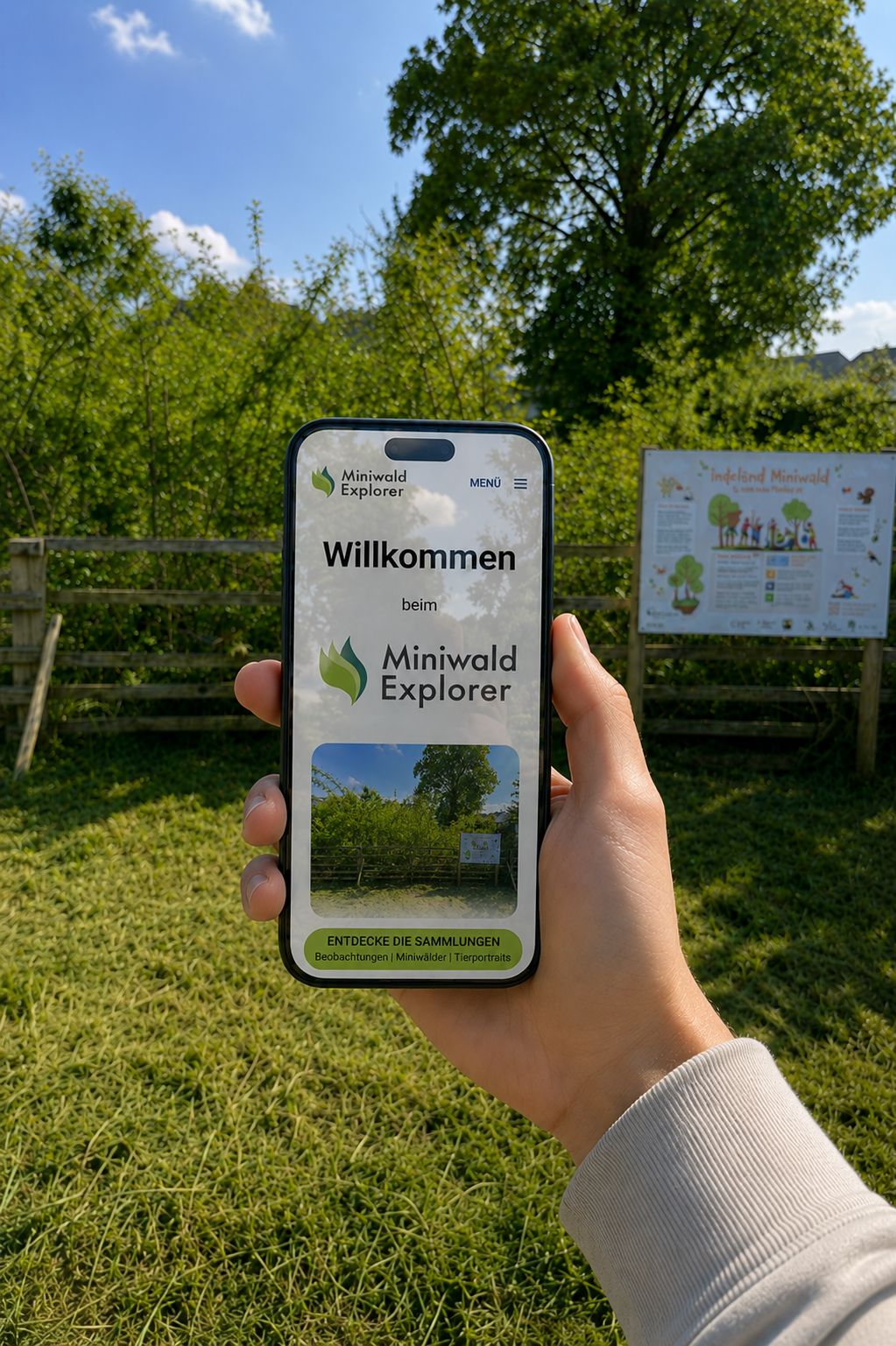
Helm & Walter was commissioned to develop a web app for biodiversity monitoring as a citizen science project. The goal was to create a pedagogically valuable and low-threshold solution that can be used by school classes and children as well as by volunteers conducting nature observations. At the same time, the application was to deliver scientifically reliable data for biodiversity monitoring.
The platform has been live at https://miniwald-explorer.de since July 2026 and is continuously used by school classes and volunteers for nature observations in the indeland mini-forests. The web app is complemented by the researcher boxes: material sets for fieldwork directly in the mini-forest. Each box contains magnifying glasses, shovels and other observation instruments in multiple copies, so that an entire school class or group can work with them at the same time. Whatever is discovered can then be recorded immediately via the web app. In this way, the boxes connect hands-on experience of nature with digital documentation. A total of 14 researcher boxes are being delivered to schools as well as other children's and youth groups; seven of them are already in active use.
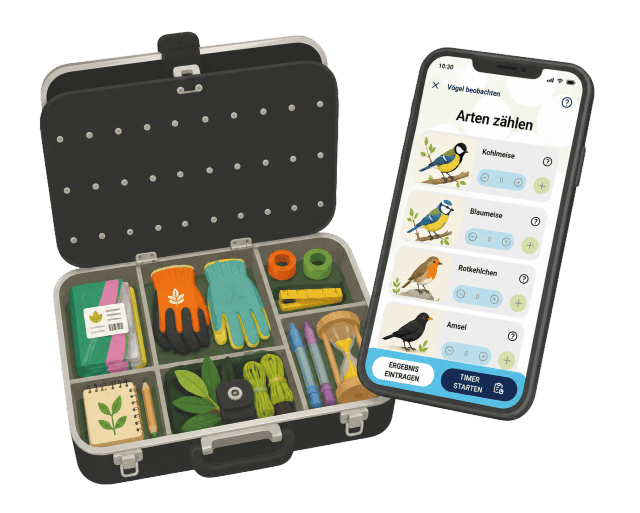
The further development and maintenance of the platform will continue until at least July 2028 as part of the inReNa 2030 II project. We will continue to actively support the project beyond that and ensure the long-term operation of the platform as a web app. The continued existence and use of the platform is particularly important to us, as we are committed to sustainably supporting environmental education and protection.
Project Goal: A Web App for Nature Observation, Environmental Education and Biodiversity Monitoring
The goal was to develop a web-based platform for participatory biodiversity monitoring that enables school classes, youth groups and volunteers to document the development of species diversity in the indeland mini-forests.
The platform was to enable the recording of wildlife observations, their cartographic representation and the structured analysis of data. Particular attention was paid to designing an intuitive and mobile user interface that can be reliably used even under field conditions. Large interface elements, clear visual guidance through the application and optimisation for smartphones and tablets are intended to enable children and young people in particular to document observations directly in the mini-forest easily and straightforwardly using the web app.
The Challenge: Child-Friendly Data Collection Meets Scientific Requirements
Developing the web app required balancing two seemingly opposing requirements: on the one hand, the application needed to be intuitively usable by children without prior knowledge. On the other hand, the recorded observations had to meet the requirements of structured biodiversity monitoring and remain scientifically evaluable.
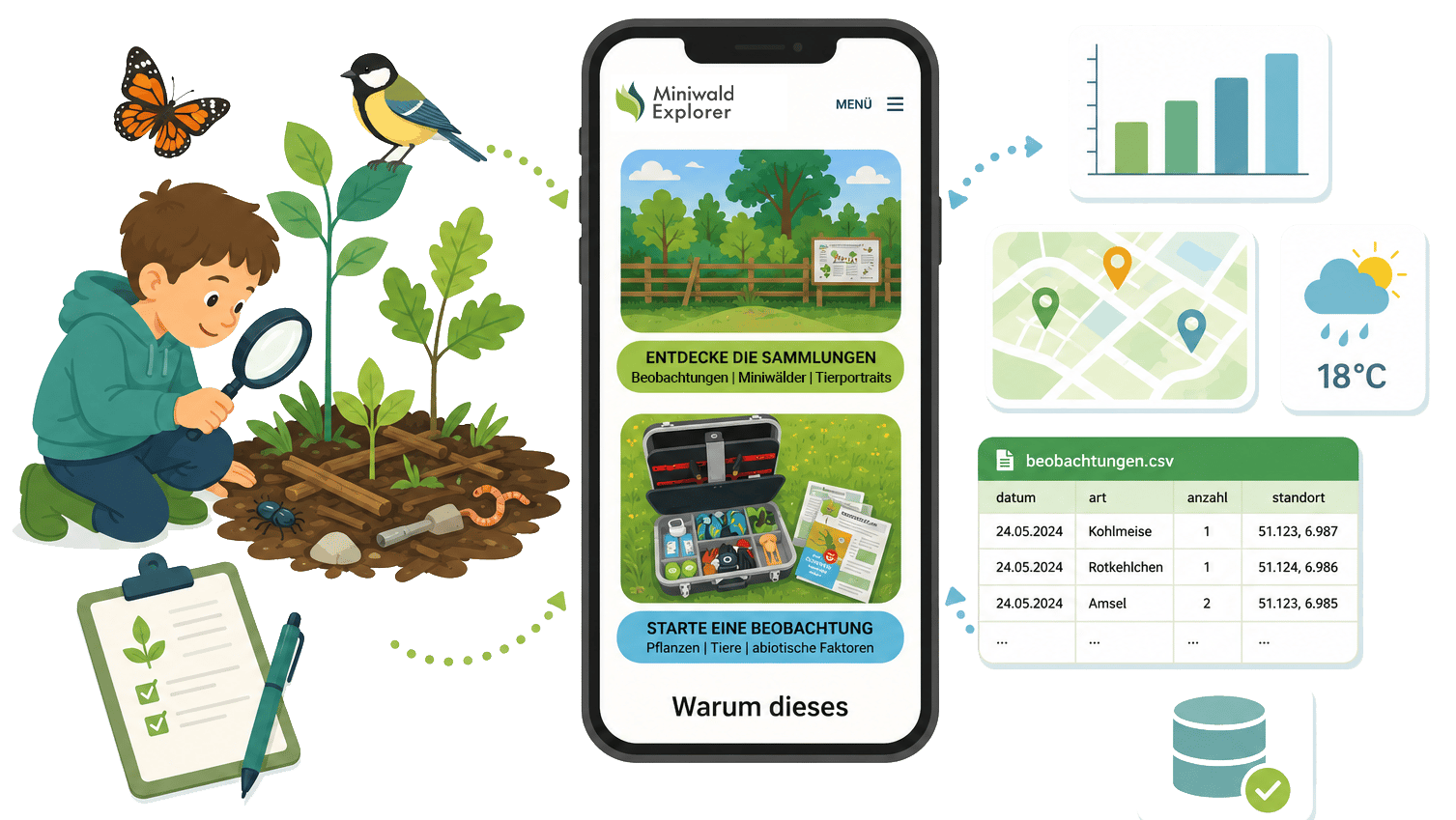
Nearly all technical and subject-matter decisions in the project moved between these two poles. The user interface had to motivate rather than overwhelm, while simultaneously building a consistent and reliable data foundation for environmental education, research and long-term observations in the background.
Heterogeneous Target Groups with Different Needs
A decisive aspect in the planning and implementation of the web app was the heterogeneity of users. School classes with children of different ages and reading abilities need to be able to work with the platform just as intuitively as adult volunteers with in-depth knowledge of nature. The interface must be self-explanatory, even for teachers without an IT background.
At the same time, the recorded data must meet scientific quality standards. The platform must capture all relevant parameters for reliable biodiversity data, including GPS coordinates, date, time, weather conditions and wind conditions.
Mobile-First and Outdoor Suitability
Since data collection takes place primarily outdoors and on the go, a mobile-first strategy was essential. The web application must run smoothly on the schools' smartphones and tablets.
Children needed to be able to use the web app even with unpractised fingers, which required large touch areas and strongly visual guidance through the application. Text-heavy interfaces were not an option.
Data Protection for Minors
A sensitive issue was data protection. Since school classes are the primary user group, the platform must not collect any personal data from minors. At the same time, observations should be attributable to the respective school classes in order to make educational achievements visible and foster motivation.
Compliance with the GDPR must be ensured not only technically, but also conceptually and in terms of documentation.
Seamless Connection Between Analogue and Digital
Some school classes initially work in their mini-forest with analogue observation sheets on clipboards and analogue measuring and observation instruments. The digital platform was to complement this workflow and enable as intuitive a transition as possible. This means, for example, that iconography, species selection and data fields between paper and app must be closely aligned, and that scales and measured values from instruments must not differ significantly from the input form.
Our Solution: Shopware as a Flexible Software Framework
Instead of developing custom software entirely from scratch, we chose Shopware 6 as a powerful software framework. This allowed us to build on proven standard functions such as user management, role and permission systems, data modelling and content management, and to focus our development time specifically on the project's subject-matter requirements.
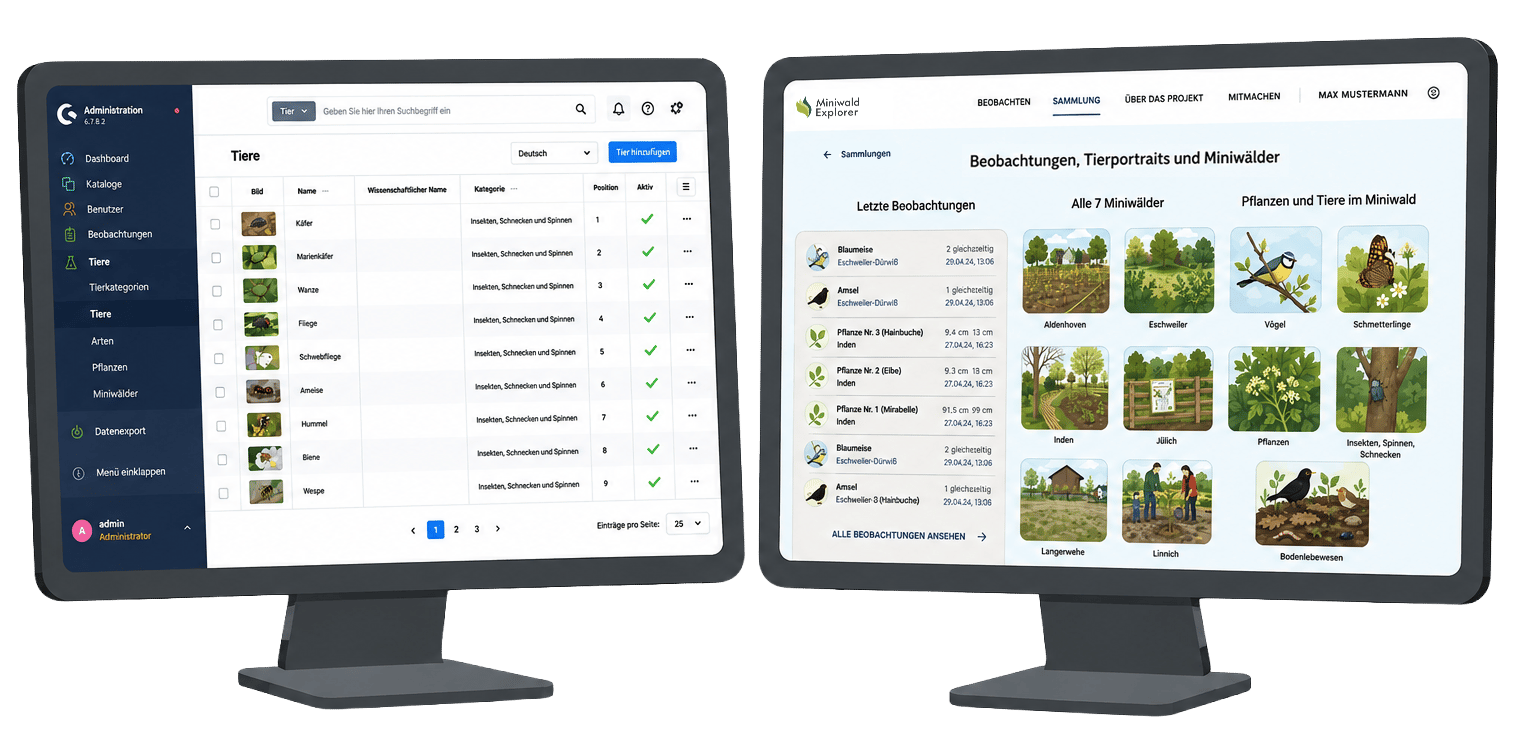
The combination of standardised core functions and individually developed extensions enabled an economical, maintainable and long-term extensible solution. The result is a platform that meets both the requirements of environmental education and the needs of professional biodiversity monitoring.
Technological Realignment
For the implementation, we chose Shopware 6 as the framework. Although Shopware is primarily associated with e-commerce, as a powerful software framework it provides all the essential functions required for complex web applications like the Miniwald Explorer project.
The framework comes with mature user and role management out of the box, which is crucial for implementing the various user groups (admin, shared accounts, individual users). The built-in CRUD operations (Create, Read, Update, Delete) for data models significantly accelerated development, allowing us to focus on the project's specific requirements.
A further advantage lies in the ability to elegantly map complex data models with entity relationships. The relationships between users, species categories, species profiles, observations and uploaded photos could be implemented in a structured and performant way.
The integrated CMS elements also make it possible to flexibly design and edit content such as project descriptions, species profiles and instructions without having to touch the code.
The decision to use Shopware enabled a maintainable and future-proof solution that meets both the functional requirements and the time and budget constraints of the project.
Structured Data Collection for Scientific Usability
Although the interface is designed to be child-friendly, the system captures all scientifically relevant parameters in the background:
- Date and time
- Geodata via GPS coordinates (automatically or manually set)
- Observed species
- Number of individuals
- Weather conditions
- Wind conditions
- Optional observation photos
- Free-text remarks
Shared Accounts for Schools – Privacy by Design
To ensure data protection, we implemented a special role system with shared accounts. Teachers receive a shared login for their school class, through which all pupils can jointly record observations.
When entering data, the "observer" field can simply contain the name of the "research group" (e.g. "Class 3b Foxes"). This means no personal data from minors is collected or stored.
In parallel, individual volunteers can create their own accounts with email and password to track their personal observations.
Child-Friendly Design and Visual User Guidance
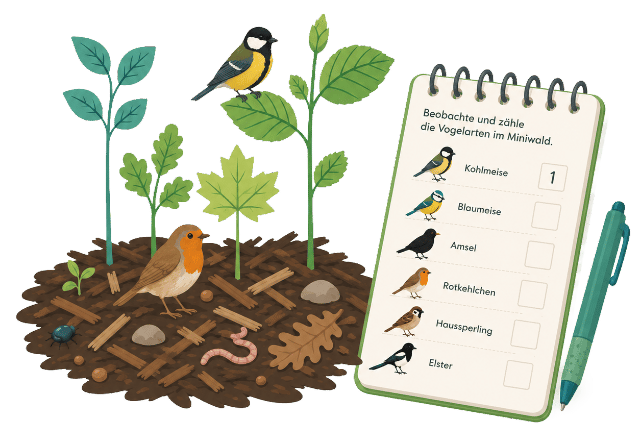
For Miniwald Explorer, we developed a responsive design that relies heavily on iconography rather than walls of text. For the selection of animal groups (birds, butterflies, insects, soil organisms), for example, we use large, unambiguous and colourful images that enable even children with limited reading ability to use the platform without errors.
Species identification is done visually via a grid layout with high-quality photos. Children can directly compare the animal they see in the mini-forest with the preview images on the display.
Data entry follows the wizard principle in small, manageable steps: What did you see and how many at once? What is the weather like? Take a photo? Save. No overly long forms, no overwhelm.
GPS-Based Recording of Observation Data
The centrepiece of the platform is the overview of recorded animal and plant observations. Geodata is captured automatically via GPS. This allows the smartphone to identify the relevant mini-forest and assign the observation directly to that location.
The immediate visual feedback ("My find is now visible on the site") is a strong sense of achievement for children and motivates further exploration. The observation table can be filtered by animal category, species and time period. Each observation can also be clicked on, and its details and captured images are displayed as a sub-page.
Linking Data Collection and Knowledge Transfer
In addition to individual observations, the platform provides a structured overview of the mini-forests and the species found there. Each mini-forest has its own detail page with photos, short descriptions and an overview of all observations recorded there. Species profiles are also available for the animal species, containing photos, child-friendly short descriptions and an overview of all observations of that species.
During the recording of an observation, the relevant species profile can be accessed directly. This gives children, teachers and volunteers immediate guidance on how to identify a species and what features distinguish it from similar species. The platform thus supports not only the documentation of biodiversity data, but also learning in the moment of observation: a find becomes an occasion for careful looking, comparing and understanding.
Our Interdisciplinary Project Team for Web Development, UX Design, Data Protection and Environmental Education
Robert Schwabe – UI/UX Design and Frontend
Robert was responsible for the complete visual identity of the platform. As an experienced designer, he developed the target-group-appropriate iconography, colour palette and responsive layout.
His strength lies in translating complex requirements into intuitive interfaces. For Miniwald Explorer, this meant: large touch areas for small fingers, clear symbols instead of text alone, and motivating visual feedback.
Robert conducted several coordination rounds with the client to ensure that the design was both pedagogically valuable and technically feasible. The result is a platform that children and adults enjoy using and that teachers understand without any training.
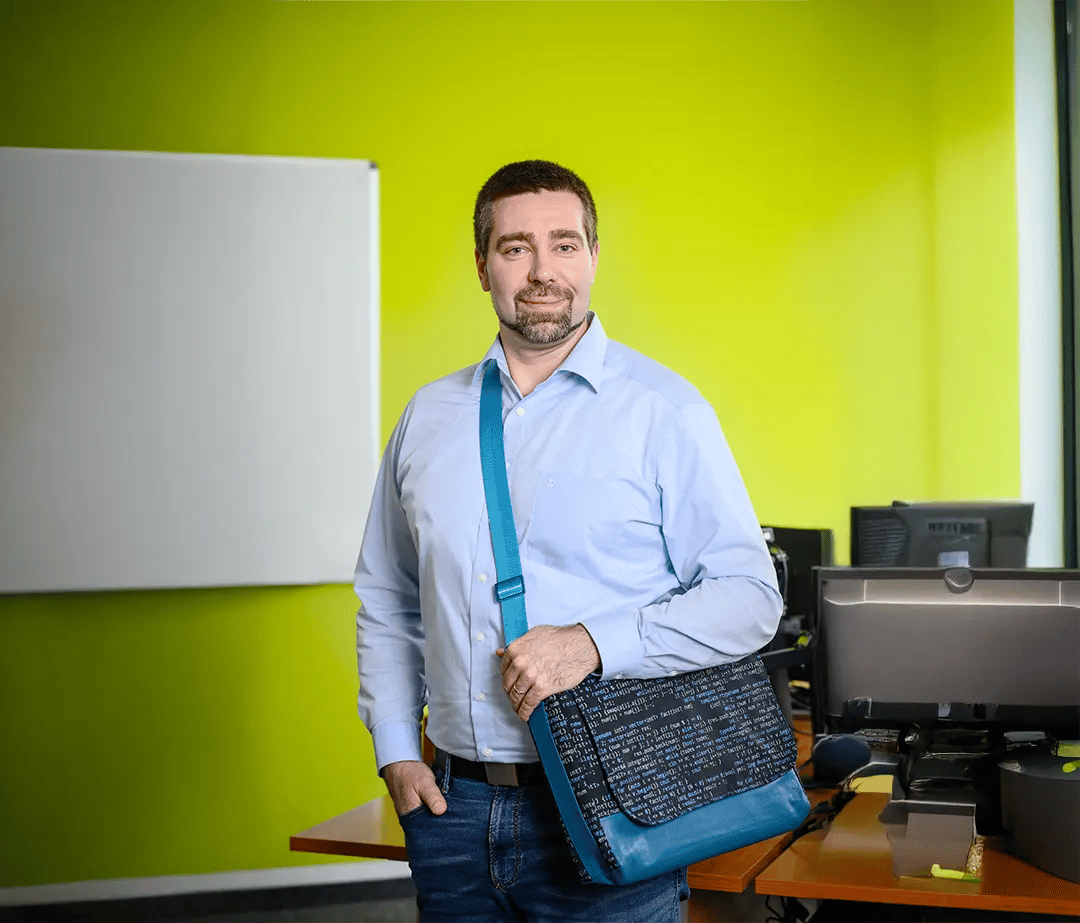
Dirk Methner – Backend Development and System Architecture
Dirk took on the technical implementation of the entire backend and frontend. He adapted the Shopware framework for the citizen science use case, implemented the database model and developed all backend functions for managing and processing observation data. Dirk's work brought Robert's designs to life and created a platform that is technically mature and easy to maintain.
Particularly challenging was the implementation of the GPS-based mapping system for capturing geodata with OpenStreetMap integration and the export functionalities for scientific data formats.
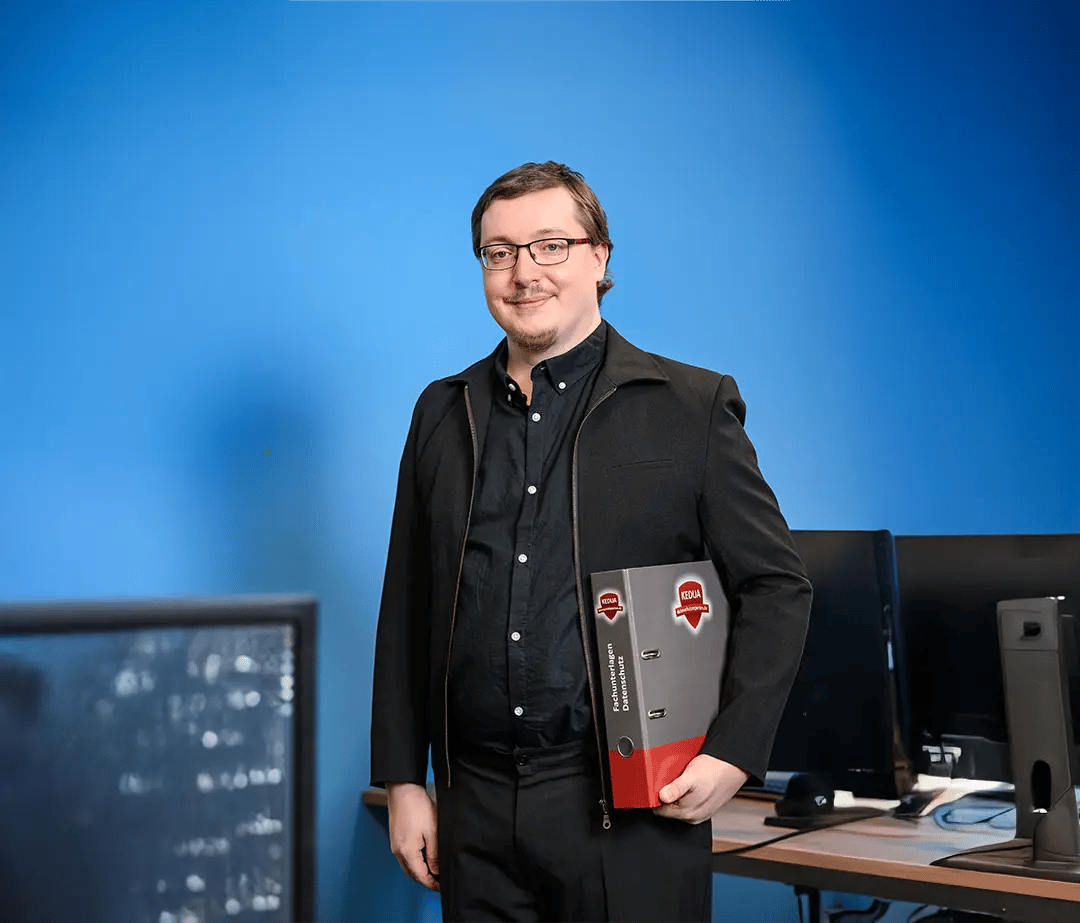
Philipp Hary – Data Protection, Editorial and Material Selection
Philipp supported the project primarily as Content Manager. He worked closely with indeland GmbH on the selection and preparation of the animal profiles and was responsible, for example, for providing and entering the image materials. Together with the client, Philipp ensured that the chosen content was comprehensible for both children and scientific laypeople within the citizen science project, scientifically accurate and free of licensing issues. He also made a pedagogically sound and practical material selection for the design of the "researcher boxes" in close coordination with the client.
In his role as Data Protection Officer at Helm & Walter, Philipp kept an eye on user data security throughout the entire project. He served as a consultant to indeland GmbH on fundamental data protection questions and ensured that the sensitive issue of handling data from minors was resolved in a legally compliant manner.
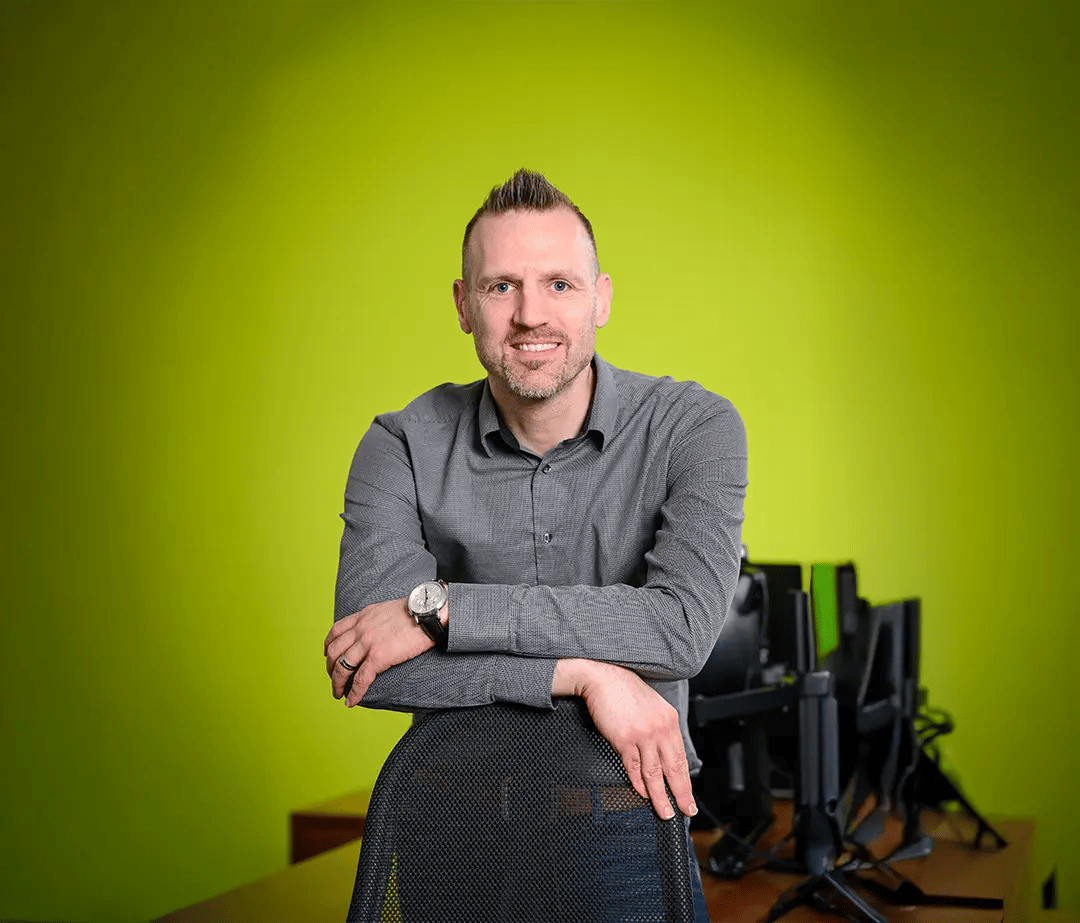
Dr. Jens Bornschein – Project Management and Coordination
Jens was responsible for overall project management for Miniwald Explorer on the Helm & Walter side. He coordinated collaboration between the various stakeholders, planned milestones and ensured that the project progressed on schedule and within the tight budget.